
For contractors
 For contractors
Get on site with your paperwork already sorted.
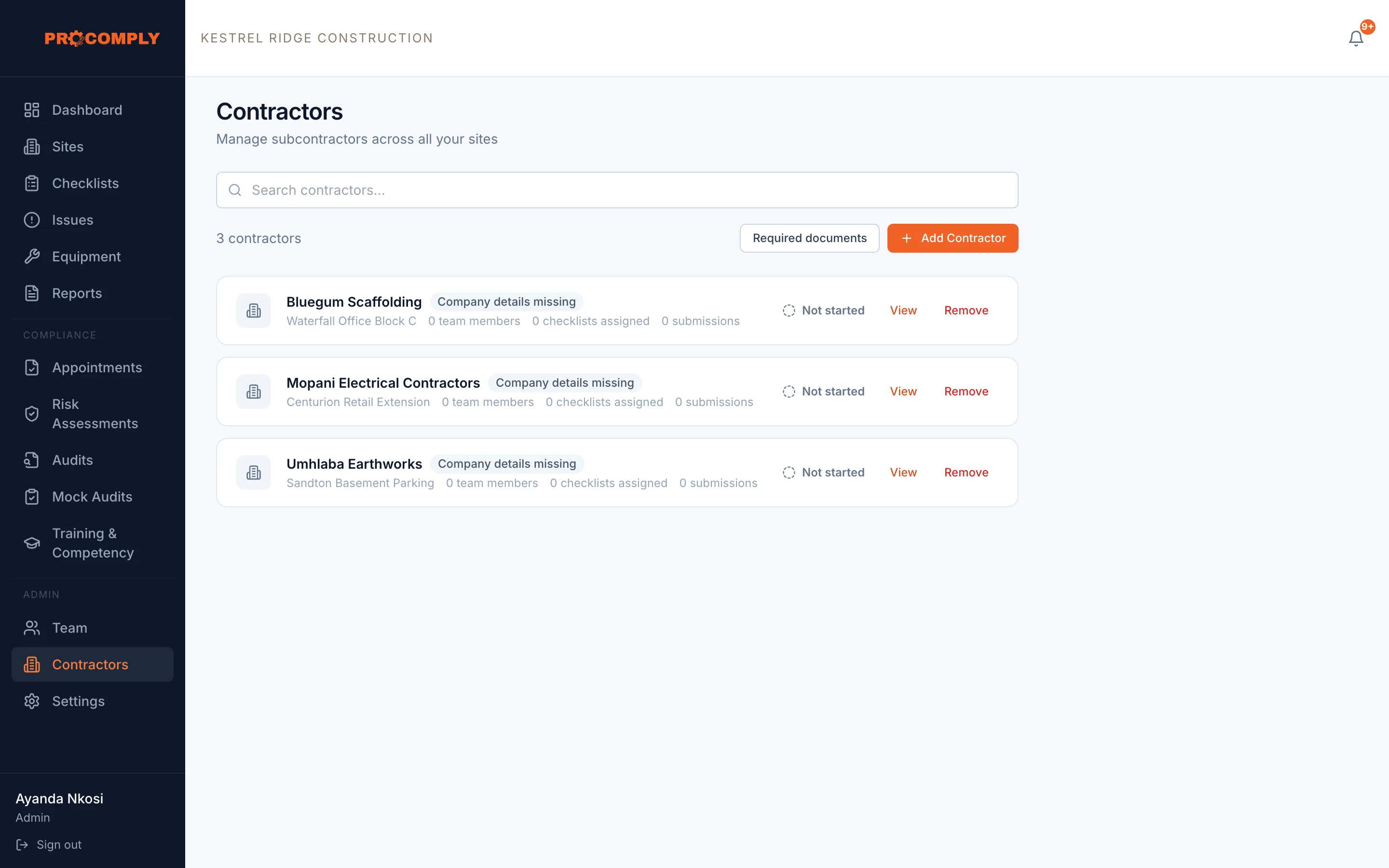
When a client manages contractors in ProComply, you get access to your own contractor portal. Your documents and the checklists your client assigns you live there, and you only see your own company’s information.
Sound familiar?
- Every new client wants the same documents again, in a different format.
- Our COID letter expired and nobody told us until we were stopped at the gate.
- We fill in the client’s forms on paper and they get lost.
What changes with ProComply
- Your documents in one place
- Upload the documents your client requires, with issue and expiry dates, and see if any were rejected and why.
- Warnings before things expire
- Reminders 30, 14 and 7 days before a required document expires, and on the day.
- Checklists on your phone
- Complete the checklists your client assigns you for their site. Each submission is checksummed and can be signed off by your client.
- Only your information
- The portal shows your company, your people, your documents and your assigned checklists. Nothing else.
Guides on this topic
- ContractorsManaging contractors: Section 37(2) agreements explainedPublishing soon
- Incidents and COIDCOID: reporting injuries and the records you needWhat the Compensation for Occupational Injuries and Diseases Act requires when an employee is injured at work: who tells whom, the seven day deadline, and the separate duty to report under the OHS Act.
- ConstructionConstruction Regulations 2014: what site owners must have in placePublishing soon
Questions we hear
Do contractors pay to use the portal?
The contractor portal is part of your client’s ProComply account (contractor management is on the Platinum plan). Ask your client if they have set you up.
Can my client see our other clients’ information?
No. Each client only sees what relates to their own work with you.
We want ProComply for our own business. Can we sign up?
Yes. If you run your own sites and teams, you can use ProComply for your own business. Start now or book a demo.
Get started
See it with your own sites in mind.
Book a demo and we will walk through ProComply using the kind of work you do, the checklists you need and the way your sites are run. Or start now and set up your first site today.