
Teams and sites
 Teams and sites
See who is on which site, right now.
Set up each site with its address, location and working days, and assign your people to it. Workers check in with the site QR code, so attendance is recorded as part of the day’s work.
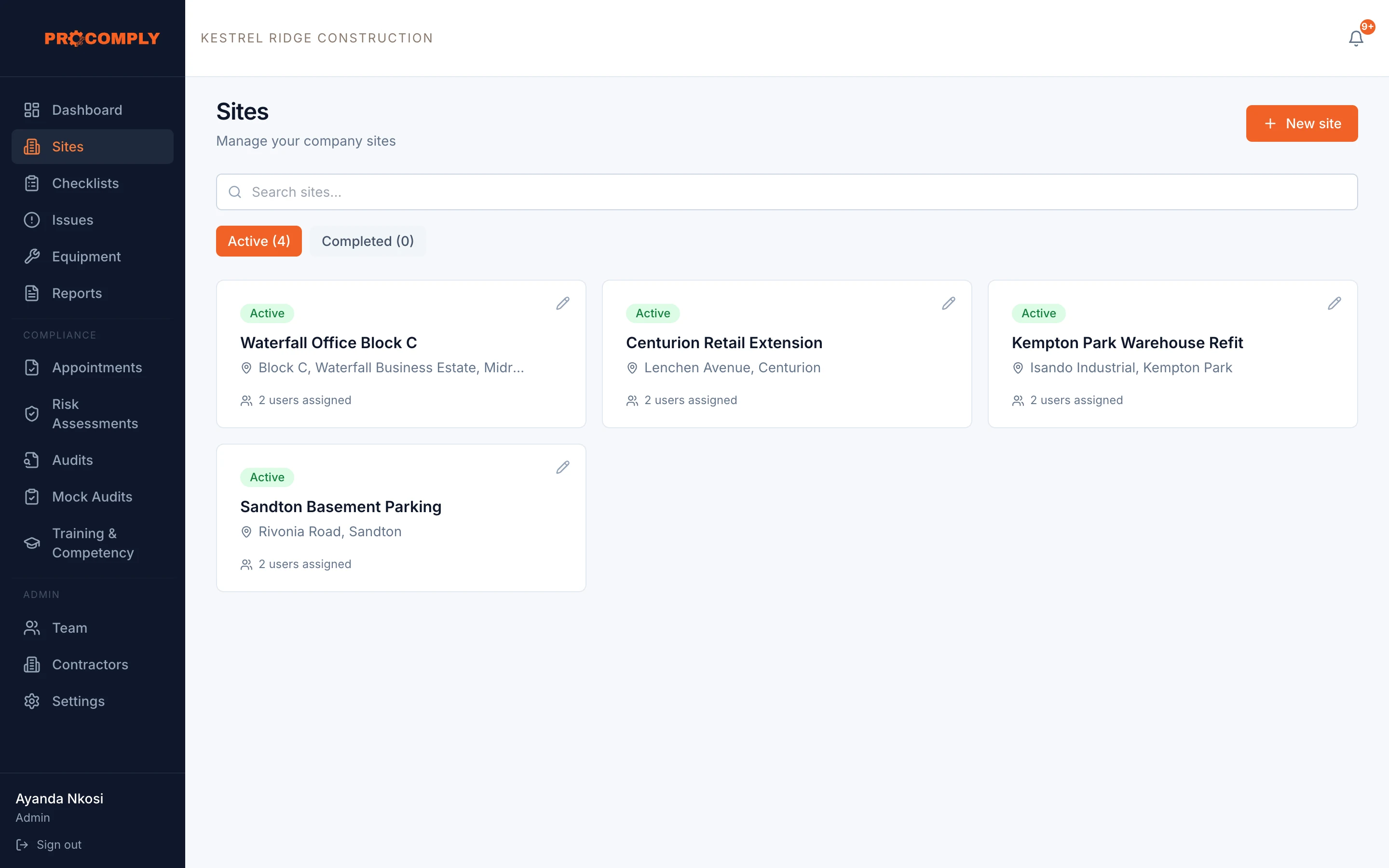
Check in by scanning the site QR code
How it works
Add your sites
Enter each site’s address and location, its industry and working days, and its primary supervisor.
Invite your people
Give each person a role: admin, supervisor or employee, and assign them to their sites.
Check in on site
Workers scan the site QR code to check in. The dashboard shows who is on site, and attendance can be exported as a report.
What it covers
- Sites with address, map location and working days
- Admin, supervisor and employee roles
- People assigned to the sites they work on
- Site check in by QR code
- Who is on site now, on the dashboard
- Site and worker attendance reports
- Training and competency records for your people, with expiry reminders
Who uses it
- AdminsSet up sites, invite people and decide who can see what.
- SupervisorsSee the people and checklists for their own sites.
- Owners and managersSee activity across every site in one place.
Guides on this topic
- LegislationThe OHS Act explained for business ownersWhat the Occupational Health and Safety Act 85 of 1993 asks of employers, chief executive officers and employees, in plain language, with every point linked to the Act itself.
- LegislationSection 16(2) appointments: who is legally responsibleHow section 16 of the OHS Act places responsibility on the chief executive officer, what a 16(2) assignment does, and what it does not take off the CEO’s shoulders.
Questions about teams and sites
How many sites can we have?
The Gold plan covers up to 5 sites and Platinum up to 15. For more, talk to us.
What can each role do?
Admins manage the company, sites and people. Supervisors work with the sites they are assigned to. Employees complete checklists and raise issues on their sites.
Get started
See it with your own sites in mind.
Book a demo and we will walk through ProComply using the kind of work you do, the checklists you need and the way your sites are run. Or start now and set up your first site today.